Get Inspired by AI Video
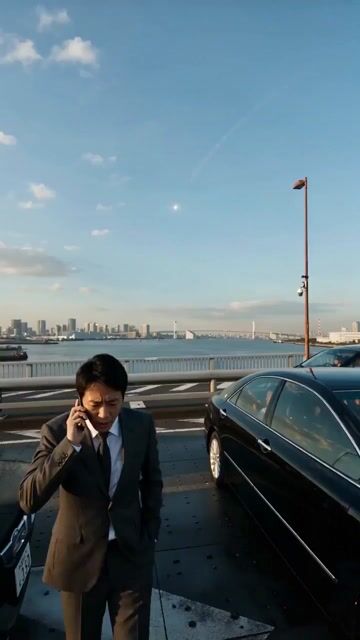
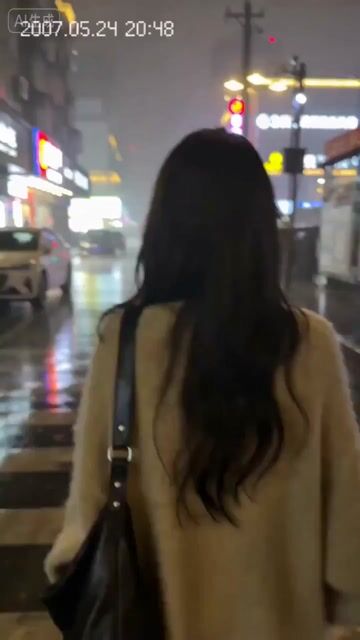
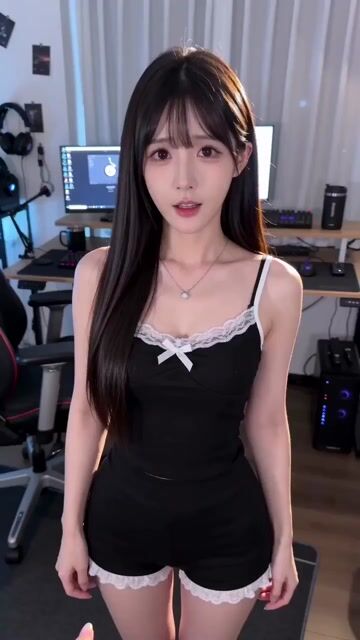
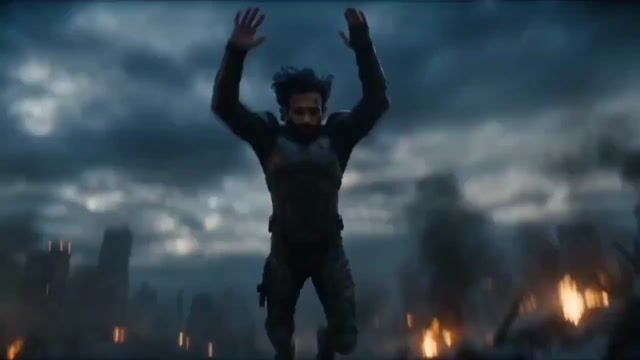
Explore AI video samples from creators and see real motion, style, and visual quality.


Explore Creative AI Video Prompts
Browse hand-picked prompts for AI video creation. Copy one, choose a model, and start generating.
Why Use Our AI Video Generator
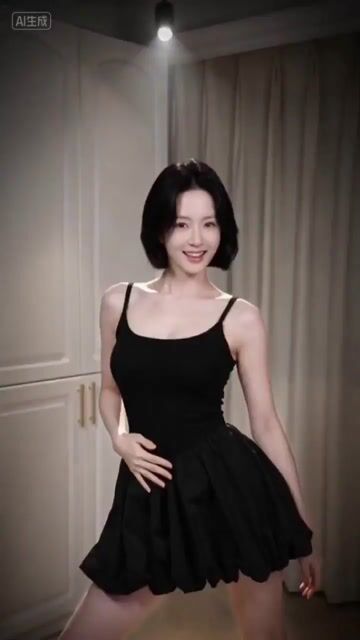
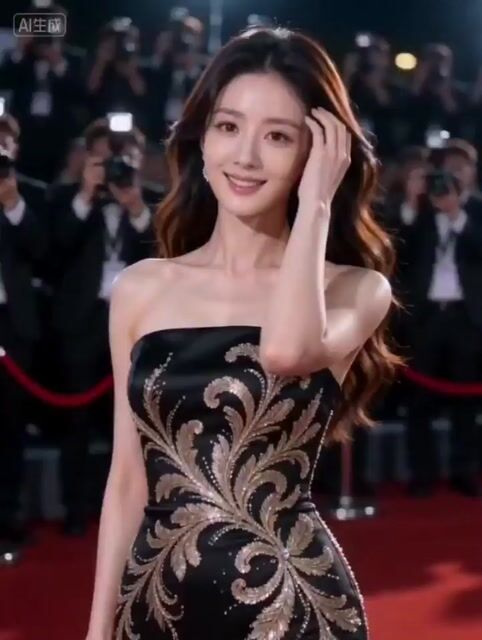
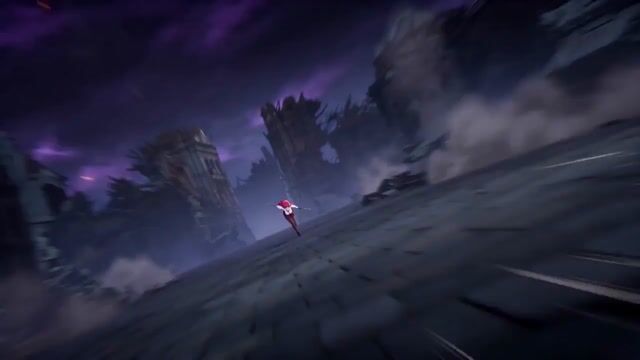
The most powerful AI video generator available online. Create professional videos from text prompts or images in seconds with cutting-edge AI technology.
Text to Video
Transform any text description into a stunning video. Our AI video generator understands complex prompts and brings your words to life with cinematic quality. Describe scenes, characters, actions, and camera movements in plain language.
Image to Video
Turn any static image into smooth, natural video. Upload photos, artwork, or product images and watch the AI video generator add realistic motion. Perfect for animating portraits, landscapes, and product shots.
Native Audio Generation
Get videos with perfectly synchronized audio. The AI video generator creates matching sound effects, ambient sounds, and even lip-synced speech automatically. No separate audio editing required.
Up to 15 Seconds
Create longer videos that tell complete stories. Unlike limited tools, our AI video generator produces scenes up to 15 seconds with natural pacing, multiple shots, and smooth transitions.
Commercial License
Use your AI-generated videos anywhere. Paid plans include full commercial rights for marketing, advertising, social media, client work, and more. Your creations belong to you.
Multiple AI Models
Choose from Seedance 2.0, Kling 3.0, and Wan 2.6. Each AI video generator model has unique strengths. Pick the perfect one for your project or experiment with different styles.
Create Any Type of Video with AI
Our AI video generator handles everything from marketing content to creative projects. See what you can create.
Ads & Promotional Videos
Generate scroll-stopping ads and promotional content at scale. The AI video generator helps you test multiple creative concepts quickly. Create product showcases, brand videos, and campaign content without expensive production.
TikTok, Instagram & YouTube
Produce viral-worthy content for any platform. Our AI video generator creates engaging videos optimized for social feeds. From short-form clips to longer storytelling, generate content that captures attention.
Product Videos & Demos
Transform product photos into dynamic video showcases. Use image to video AI to bring your catalog to life. Show products from multiple angles, demonstrate features, and create lifestyle content.
Presentations & Pitches
Make your presentations memorable with AI-generated visuals. Create concept videos, explainer content, and pitch materials. The AI video generator helps you communicate complex ideas visually.
Storytelling & Art
Bring your creative visions to life. Use text to video AI for narrative projects, music videos, and artistic experiments. No filmmaking experience needed to create cinematic content.
Tutorials & Explainers
Make learning engaging with visual content. The AI video generator creates animated explanations, historical visualizations, and concept demonstrations. Help students understand complex topics through video.
How to Use the AI Video Generator
Creating videos with AI is simple. Follow these three steps to generate your first video in under a minute.
Enter Your Prompt or Upload an Image
For text to video: Write a detailed description of your desired scene. Include characters, actions, settings, mood, and camera movements. The more specific your prompt, the better your results. For image to video: Upload any image you want to animate. The AI video generator accepts photos, illustrations, artwork, and product images.
Choose Your Settings
Select your preferred AI model from Seedance 2.0, Kling 3.0, or Wan 2.6. Adjust aspect ratio, duration, and quality settings. Enable audio generation if you want synchronized sound. The AI video generator optimizes settings automatically for best results.
Generate and Download
Click generate and watch the AI create your video. Most generations complete in under 60 seconds. Preview your video, then download in high quality. Share directly to social media or use in your projects.
Frequently Asked Questions About AI Video Generator
Contact us at support@aiseedancev2.com